
SketchUp Pro

SketchUp Pro

SketchUp Studio

AED 3,013.92

Commercial Single User Annual Termed License

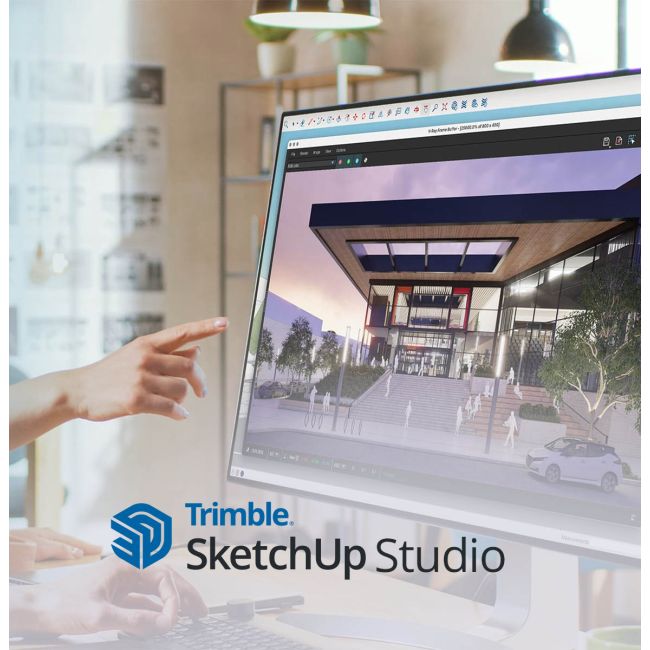
Explore the new SketchUp Studio with new features at a great price.
Introducing V-Ray and Scan Essentials in SketchUp Studio

SketchUp Studio is a Windows-only software

  • Local Priority Support based on the Middle East time zone.
  • Payments in local currency so you save on forex charges.
  • Assured Discount coupon code on 1st Renewal.
  • Customer support accessible by Phone, Email or Remote.

Terms and condtions*

**Sefaira is Not Included in this Subscription

Availability:
In stock
SKU
SKP-STDO-YR-CNL-1 Year-1-ADS
SketchUp Studio advanced design software
Studio subscription

For advanced workflows

Create beautiful designs — backed by real-world data — with our most powerful subscription.

Available for Windows only.

Everything in Pro, engineered for advanced teams

Studio equips architecture, engineering, and construction professionals with advanced interoperability, real-world scan data, and built-in photoreal rendering — so teams can move from concept to construction documentation without switching software.

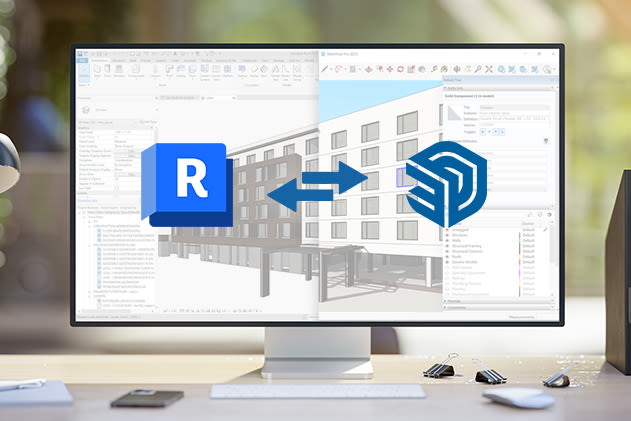
  • Import Revit files directly into SketchUp and keep your model in sync across design phases.
  • Model straight on point cloud scans with Scan Essentials for accurate as-built conditions.
  • Generate photoreal renders and animations natively with V-Ray, without leaving SketchUp.
  • Access critical climate and site data to inform early design decisions.
  • Collaborate seamlessly with team members, share files, and manage project data in the cloud.
  • Present and review models directly on mobile devices, anytime, anywhere.
  • Access a vast library of pre-built models, materials, and templates to accelerate your workflow.
  • Extend functionality with thousands of specialized plugins tailored to AEC workflows.

Interoperable workflows

Efficiently move between SketchUp and other core modeling tools such as Revit to improve collaboration across teams and iterate across design phases.

Model with precision

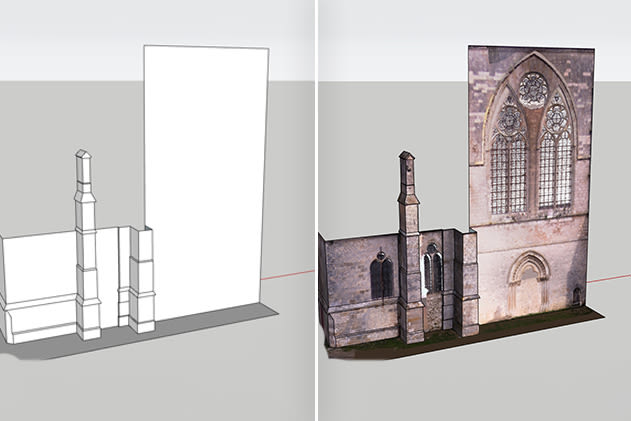
Import, view, and model straight on point clouds to detail existing conditions and develop ideas with accuracy.

Present compelling visuals

Compose stunning, photorealistic visuals and complex animations quickly and easily.

Align teams

Quickly iterate on concepts with designers and across teams with rapid modeling, file sharing, and robust renders.

The perks of Studio

Model efficiently, customize your workflow with extensions, and create stunning deliverables for your next big idea.

Modern residential exterior modeled in SketchUp
Latest release

What's new in Studio

Advanced tools for importing Revit files and point clouds, and generating photoreal renders — right inside SketchUp.

Interoperability

Revit Importer

Import Revit files into SketchUp with a few clicks — keep your model synced across design phases and teams without losing fidelity.

Site context

Scan Essentials

Generate meshes from point clouds and model directly on scan data for accurate as-built conditions, with new tools for visual outputs.

Rendering

V-Ray for SketchUp

Create photoreal renders and animations natively, without leaving SketchUp — included as part of your Studio subscription.

Studio subscription

What's included

Advanced tools for importing Revit files and point clouds and generating photoreal renders.
Software access
Everything in Pro, plus Revit Importer, Scan Essentials, and V-Ray for SketchUp — full access to SketchUp for Desktop, LayOut, SketchUp for Web, SketchUp for iPad, Trimble Connect, 3D Warehouse, and Extension Warehouse.
Rendering
V-Ray for SketchUp included at no extra cost — photoreal renders and animations natively, without a separate license.
Reality capture
Scan Essentials for importing and modeling directly on point cloud scans, with mesh generation and visual output tools.
Support
24/5 technical support via email and the Trimble Support Portal.
Updates
Ongoing security patches and feature updates at no extra cost.
Storage
Unlimited secure cloud storage with Trimble Connect.

Everything in Pro, plus advanced tools

Revit Importer

Revit Importer

Import Revit files into SketchUp with a few clicks.

Scan Essentials

Scan Essentials

Import and model directly on point cloud scans for accurate as-built conditions.

V-Ray

V-Ray for SketchUp

Create photoreal renders and animations without leaving SketchUp.

Technical specifications

An internet connection is required both to install and authorize your subscription. SketchUp Studio is a Windows-only subscription.

Windows 11

Recommended hardware requirements
  • A 2+ GHz processor
  • A discrete graphics card (most current-gen AMD or NVIDIA cards)
  • At least 8GB of RAM
  • At least 6GB of available hard disk space
  • A modern GPU with at least 8GB VRAM (OpenGL 3.1+ required)
  • 32GB+ VRAM recommended for PBR materials, Ambient Occlusion, and Image Based Lighting
  • A 3-button, scroll-wheel mouse
"
Studio gives us the interoperability we need to move between SketchUp and Revit without losing fidelity — it's become core to how our team collaborates.
Design Team Lead   |   Architecture Firm