


SketchUp for Web
Create, edit, and share 3D models straight in your web browser.
Commercial Single User Annual Termed License
Don't Waste Time Waiting!
Our streamlined process ensures you receive your SketchUp Pro license much faster and during Middle East working hours. This means you can start designing sooner.

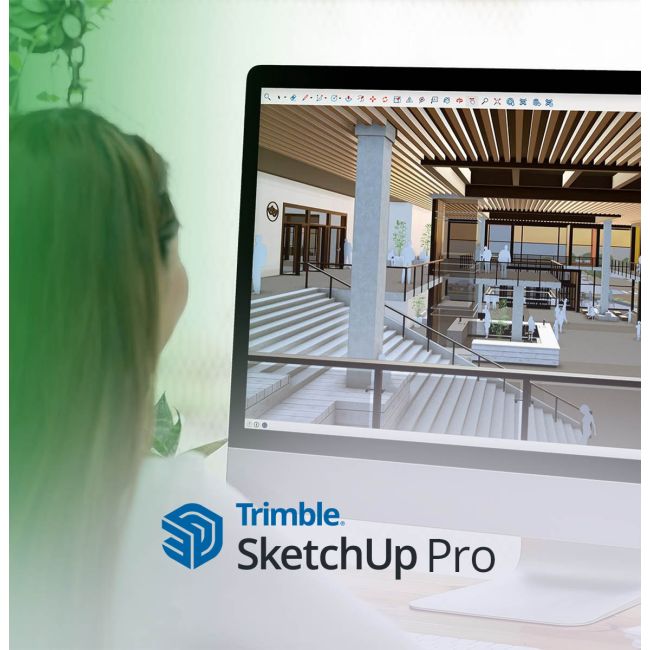
Build your anything with intuitive, professional design software that helps you visualize, collaborate, and communicate your ideas.
Pro equips design and construction professionals with an ecosystem of intuitive and extendable 3D design and communication tools for unhindered creative expression, seamless collaboration, and compelling presentations.
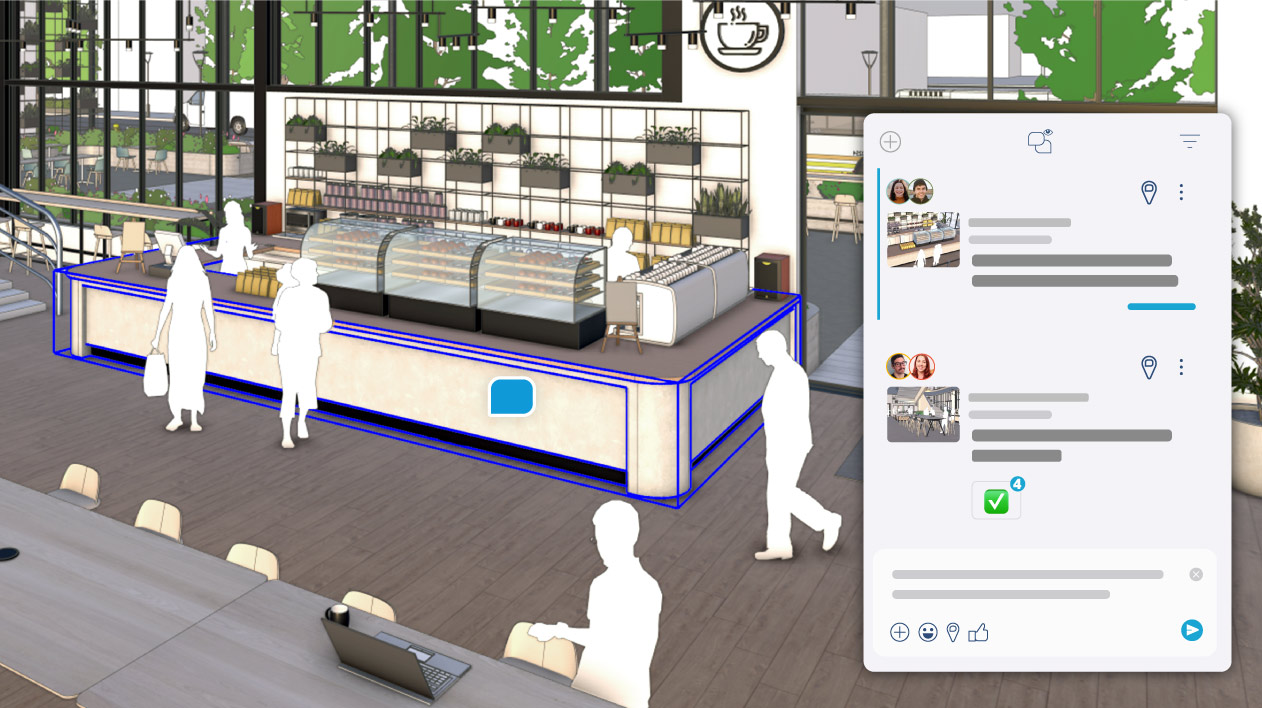
Get feedback fast and in context, without ever leaving SketchUp.
Create comment threads, upload images and camera views, and add emojis. Share from Desktop to view on the web — built-in comments and instant updates keep clients and teams aligned on the latest iteration.
New 2D drafting tools and the DWG support you've been asking for, coupled with a modernized interface (Windows-only) — accomplish more directly in LayOut.
Refined visualization capabilities offer more precise stylistic control and new material options, plus a new Diffusion (Labs) tool for ultra-fast, realistic AI-generated project imagery.
Scan Essentials simplifies generating meshes from point clouds with new tools for visual outputs. Add Location updates let you import existing buildings as native 3D geometry.
Model efficiently, customize your workflow with extensions, and create stunning deliverables for your next big idea.

SketchUp's accessible interface and intuitive tools make it easy to create in 3D, compare design options, and share 2D to 4D visuals with stakeholders.
Pick an industry workflow, and we'll give you a list of extensions to streamline your productivity.
Switch between various design software, seamlessly importing and exporting 3D models and 2D documentation.
Consolidate your ideas, design process, and 'aha' moments to deliver on small and large presentation milestones.
Fast, easy, and powerful tools to help design whatever you can imagine.
SketchUp for Desktop
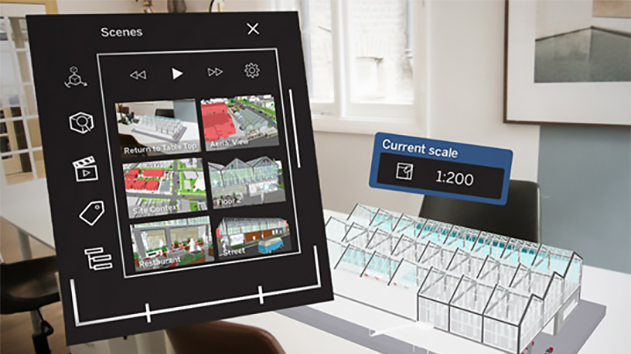 LayOut
 Analysis Hub
An internet connection is required both to install and authorize your subscription. Some features within SketchUp also require an internet connection.
Create, edit, and share 3D models straight in your web browser.
Sketch, mark up, and collaborate in 3D anywhere.
Browse and download millions of pre-built 3D models.
Unlimited cloud storage. Unlimited projects. Endless collaboration workflows.
Customize your workflow with third-party extensions.
AI tools for visualization, 3D geometry creation, and navigating SketchUp.
Discover what's possible with the SketchUp ecosystem of tools.
Model quickly using native and third-party tools for unique or advanced workflows.
Endless collaboration workflows plus unlimited projects and unlimited cloud storage.
Showcase compelling 2D-4D visuals, schedules, and reports to drive projects from idea to reality.
Fast-track feedback directly within SketchUp thanks to in-app commenting and real-time viewing. Plus, take control of sharing with new permissions and views.
We can quickly create design options and iterate on those throughout our process in SketchUp. The learning curve is low, so everyone on the team knows or can learn SketchUp.
Please complete your information below to login.